


Infographics








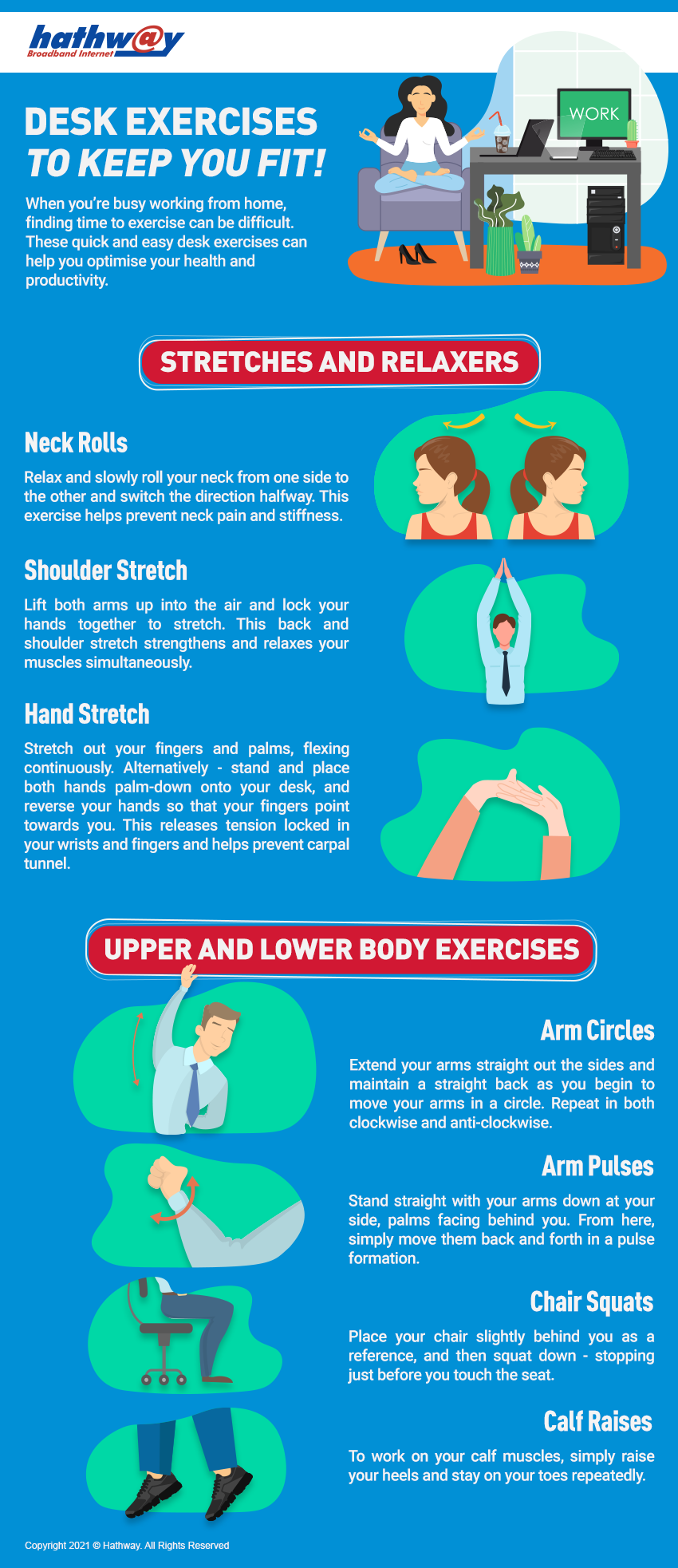
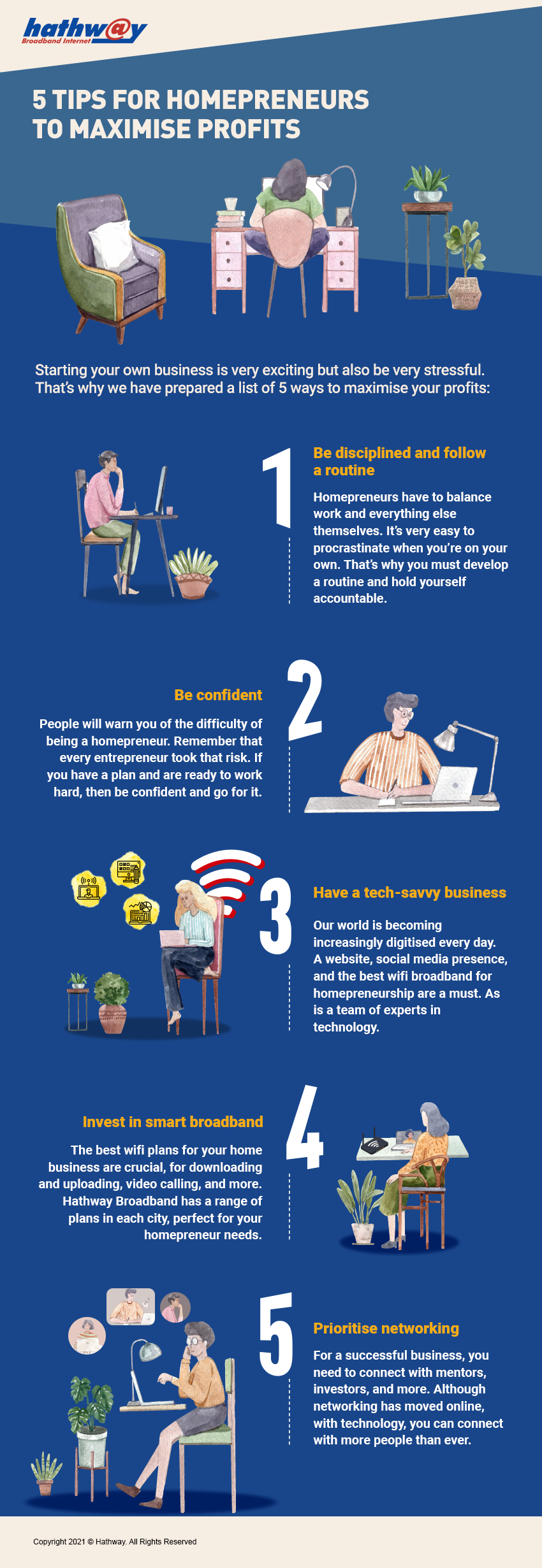
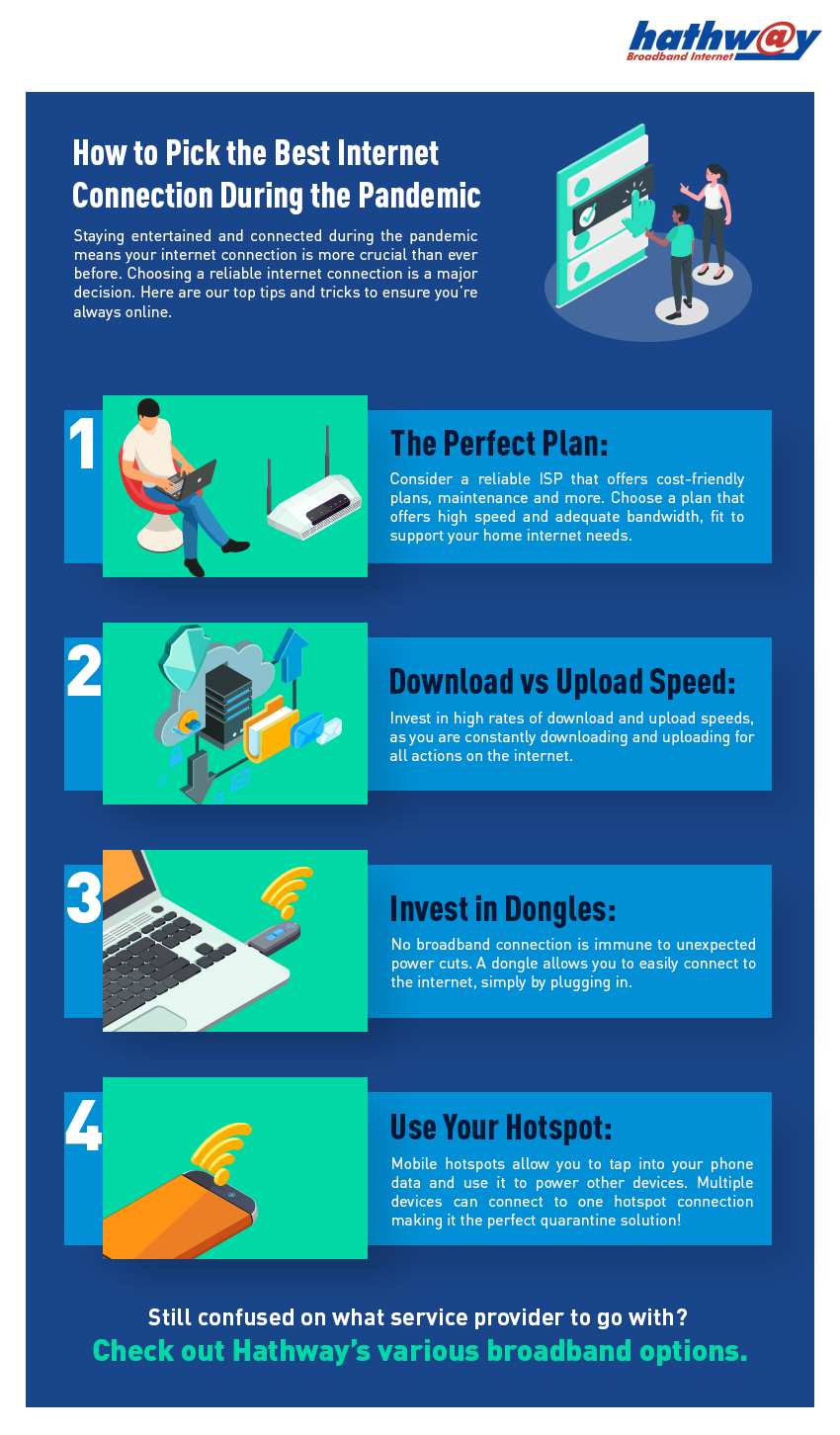

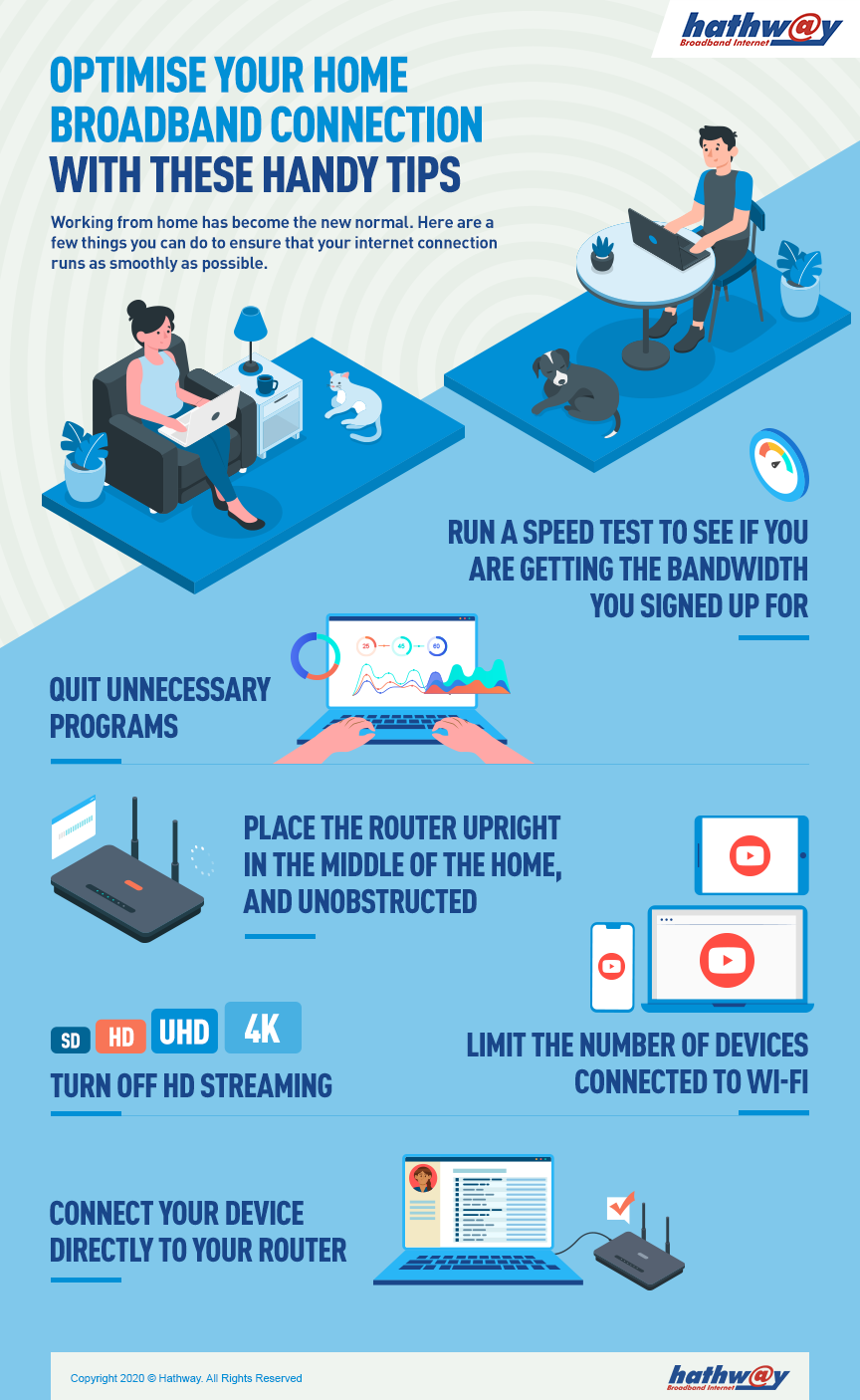
Internet Infographics & Tips | Speed, Wi-Fi & Security Guides
Explore free internet infographics by Hathway on checking internet speed, fixing Wi-Fi issues, online security, productivity tools & broadband tips. Download now.
Infographics - Internet Insights, Tips & Guides by Hathway
Welcome to Hathway’s Infographics Hub, your one-stop resource for simple, visual explanations of internet and broadband concepts. From checking your internet speed to improving Wi-Fi performance, staying safe online, and understanding emerging internet technologies, our infographics turn complex topics into easy, actionable items.
If you’re a home broadband user, work-from-home professional, student, parent, or content creator, these infographics help you make smarter and faster internet decisions.
What You’ll Discover in Our Infographics
Explore a growing collection of downloadable internet infographics designed to answer the most common questions users search for online:
Internet Speed & Performance
Learn how to:
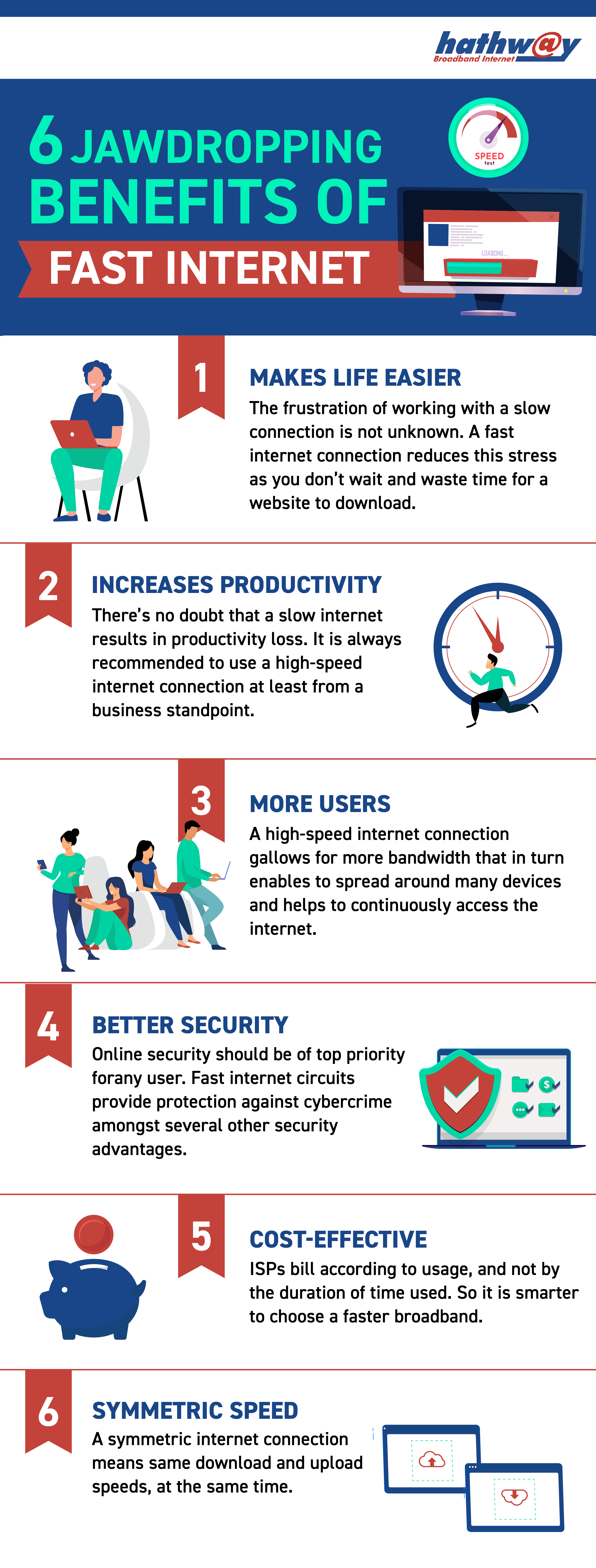
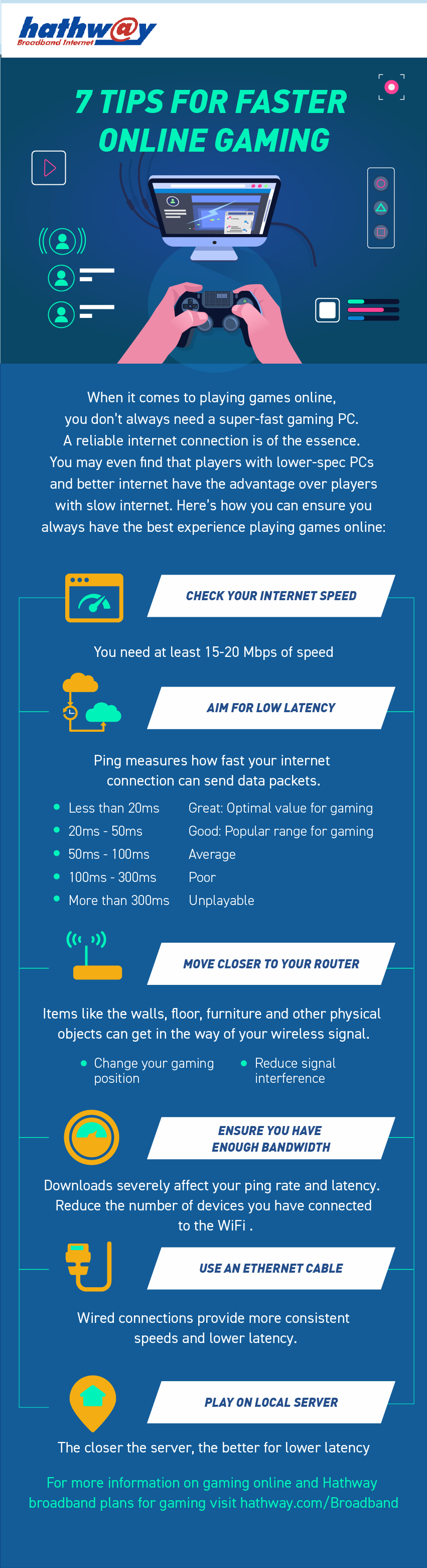
- Check your internet speed accurately
- Understand download speed vs upload speed
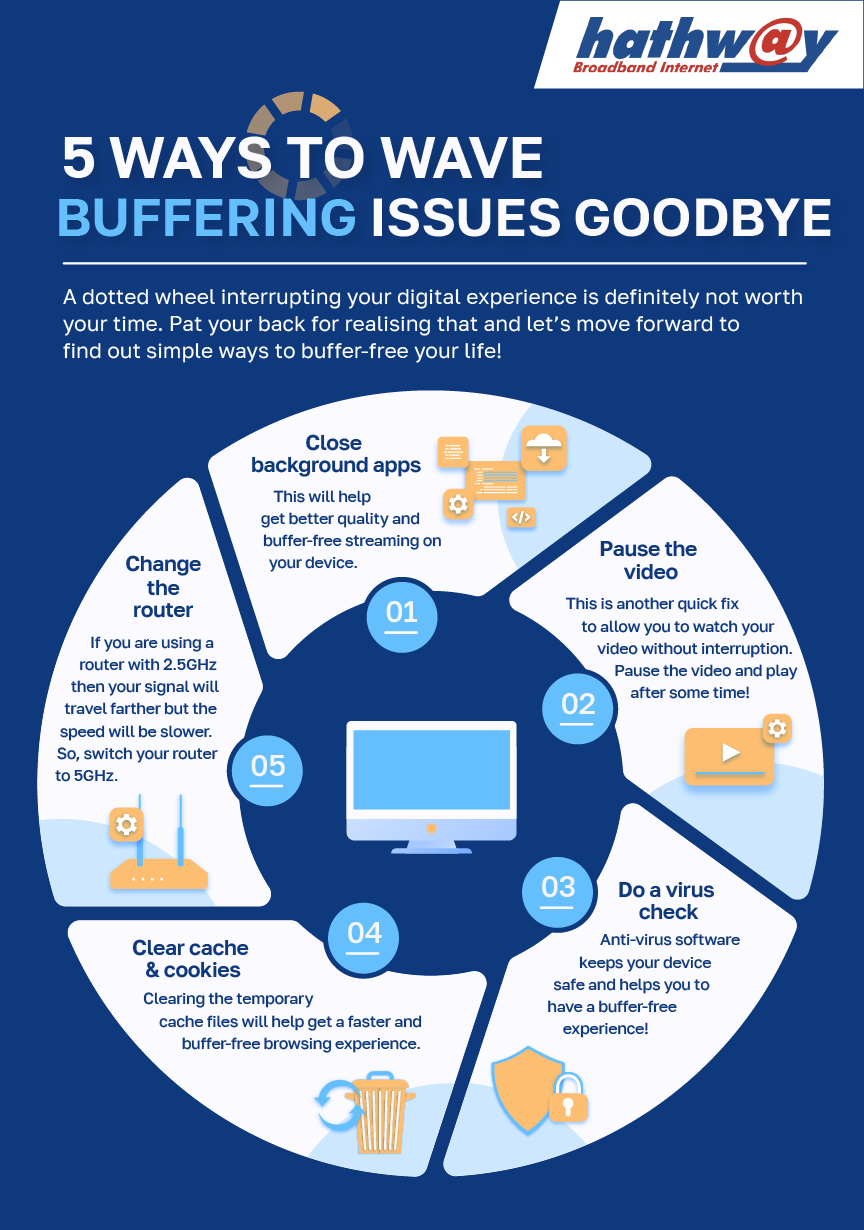
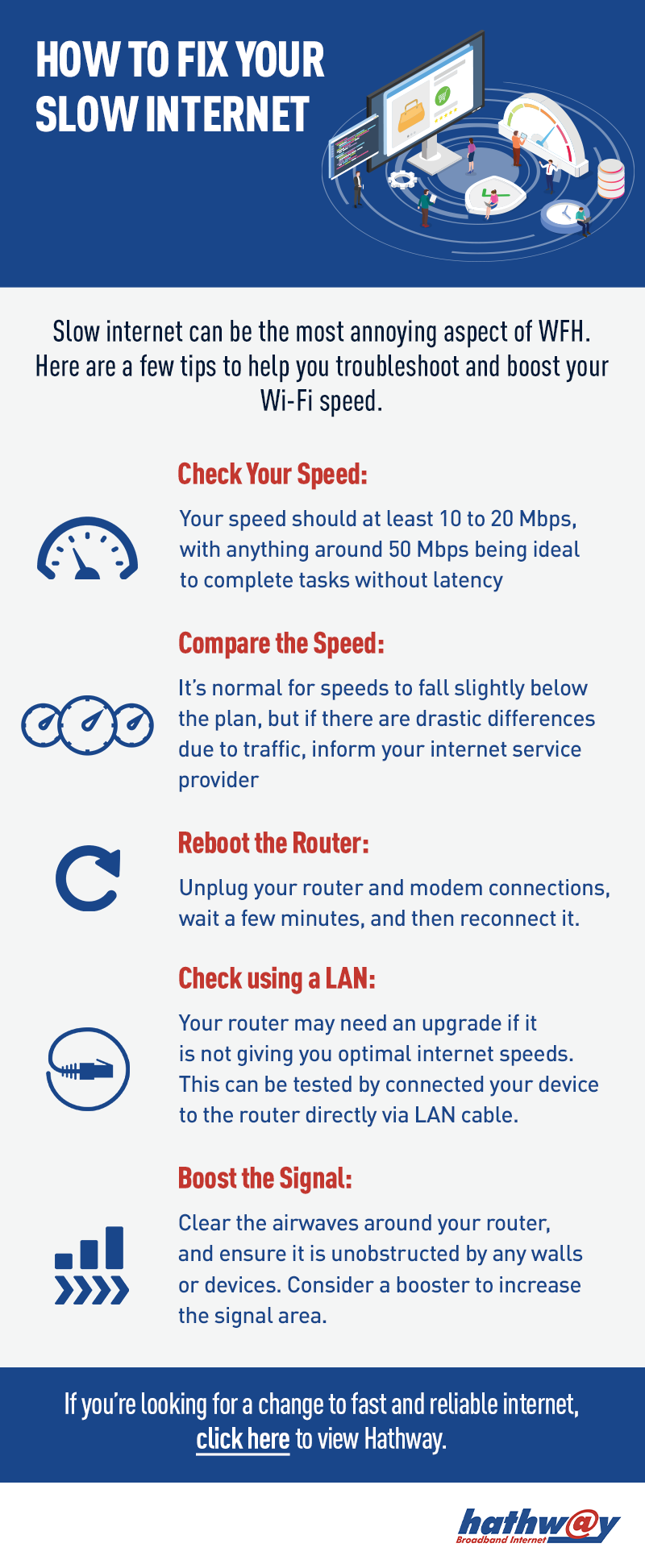
- Identify reasons for slow internet
- Increase internet speed at home
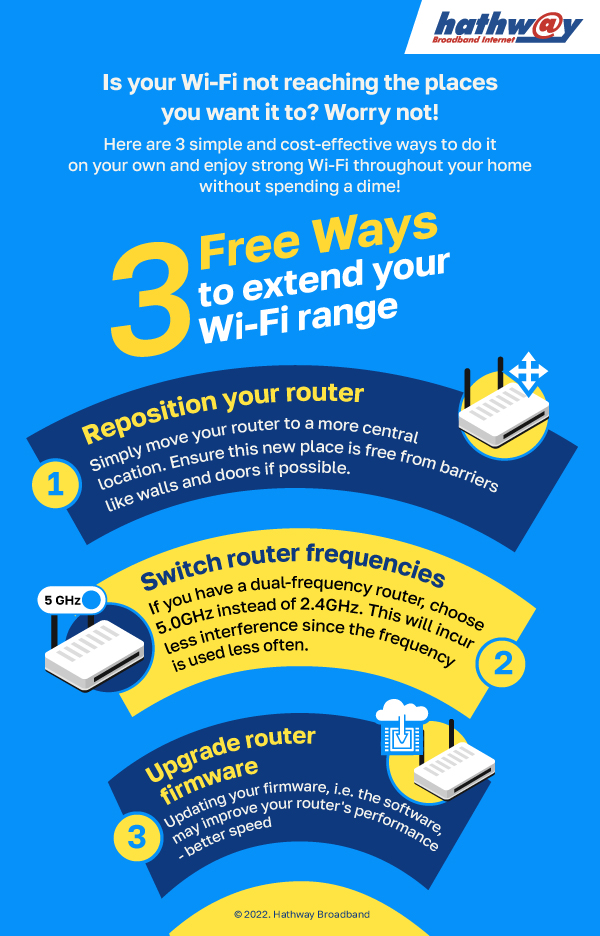
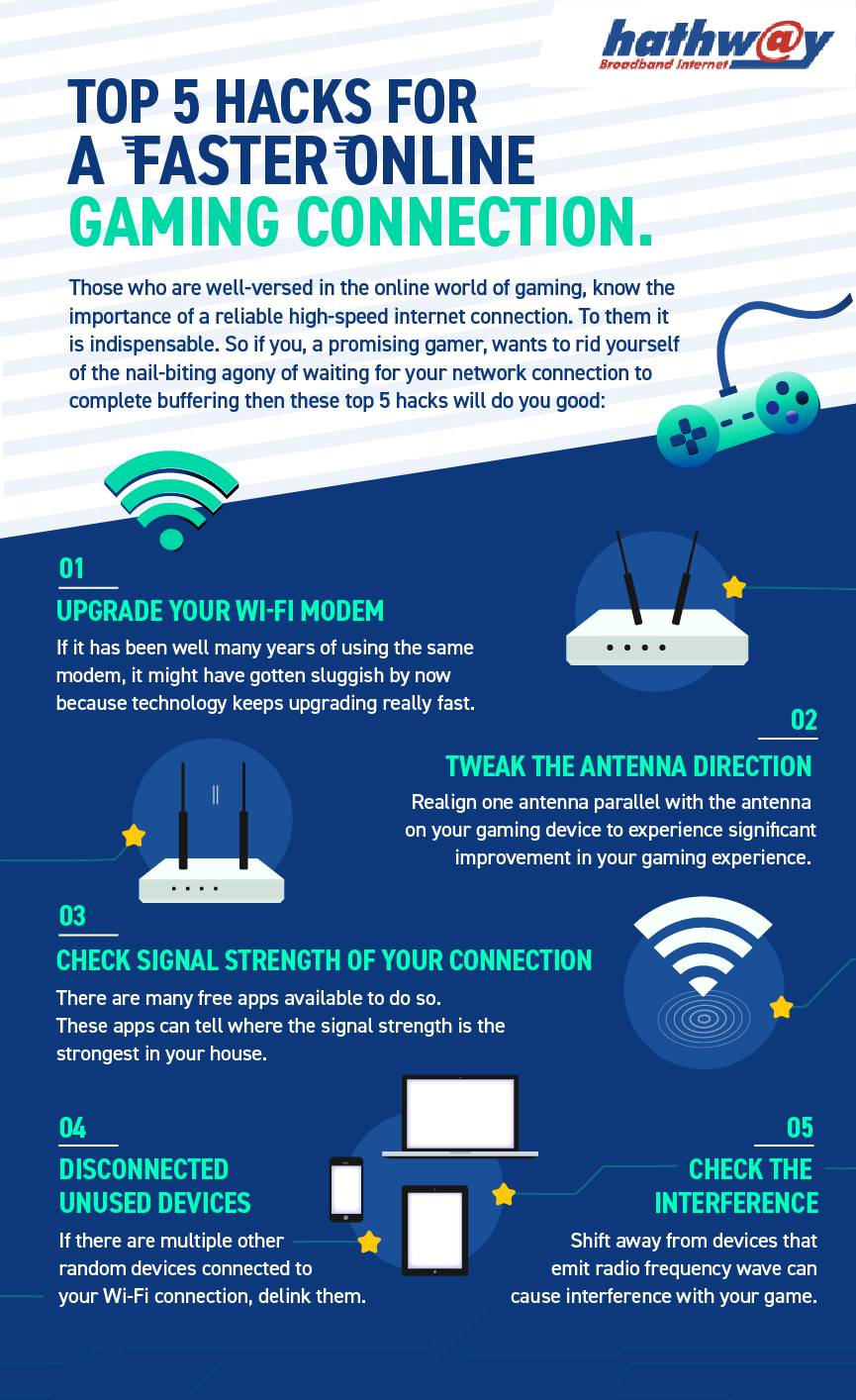
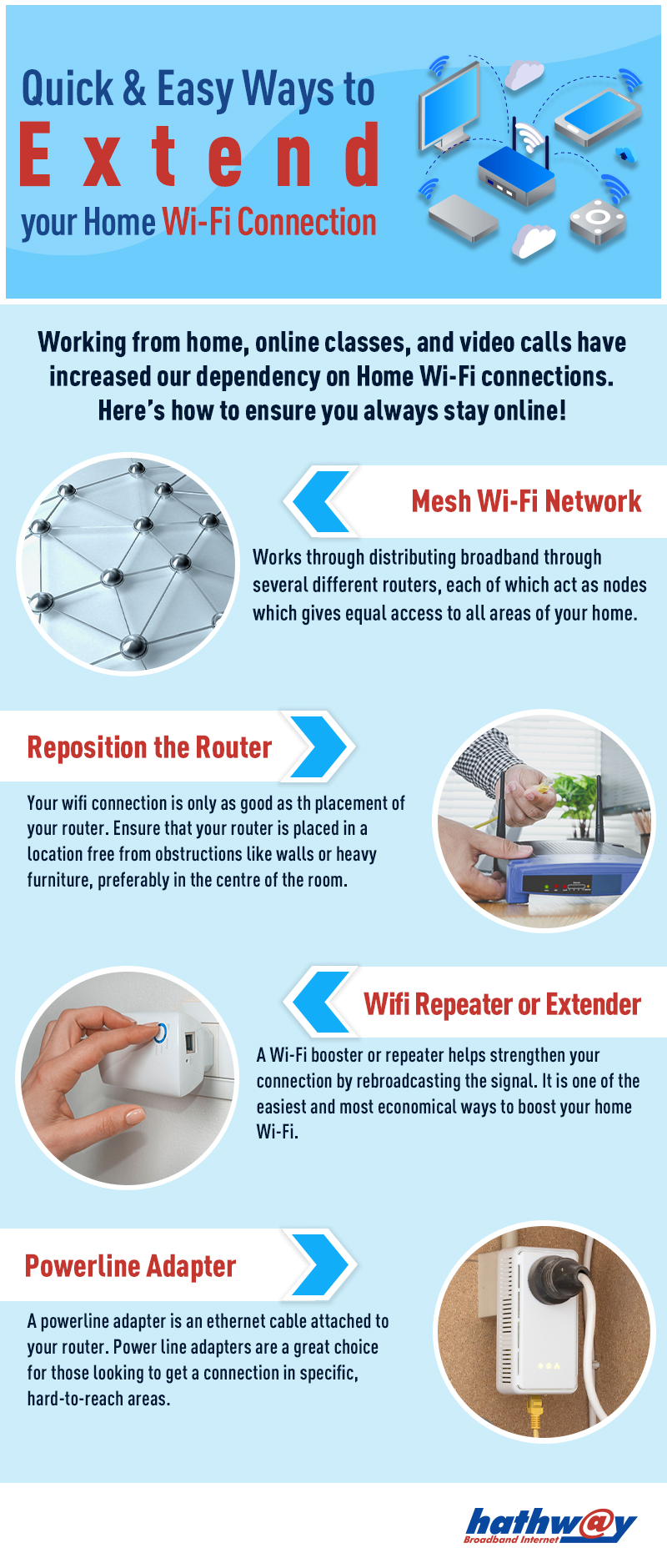
- Improve Wi-Fi signal strength and coverage
Perfect if you’re searching for “how to check internet speed”, “why is my Wi-Fi slow”, or “how to increase broadband speed”.
Wi-Fi & Internet DIY Fixes
Step-by-step visual guides that explain:
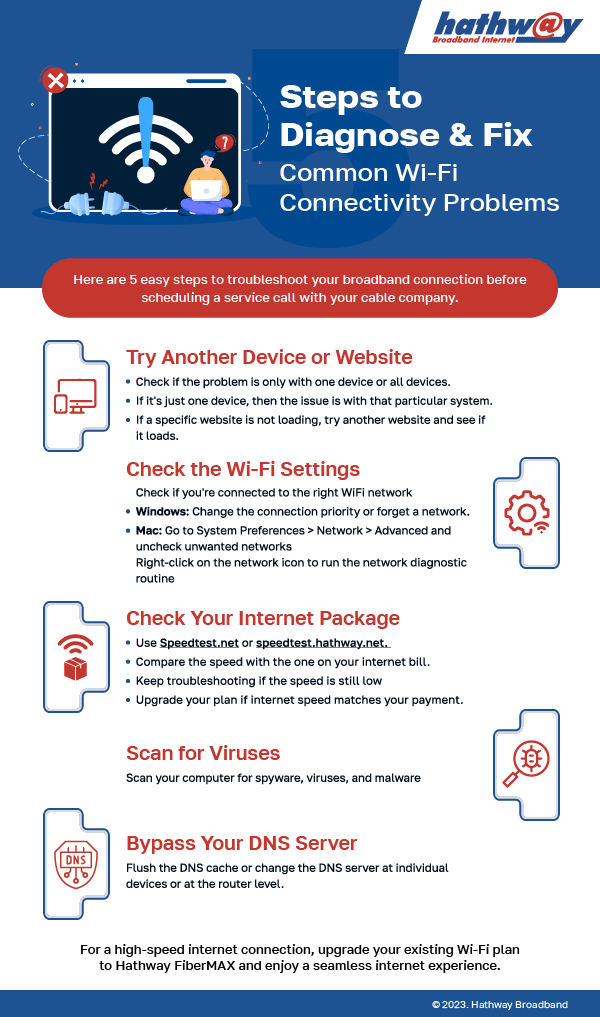
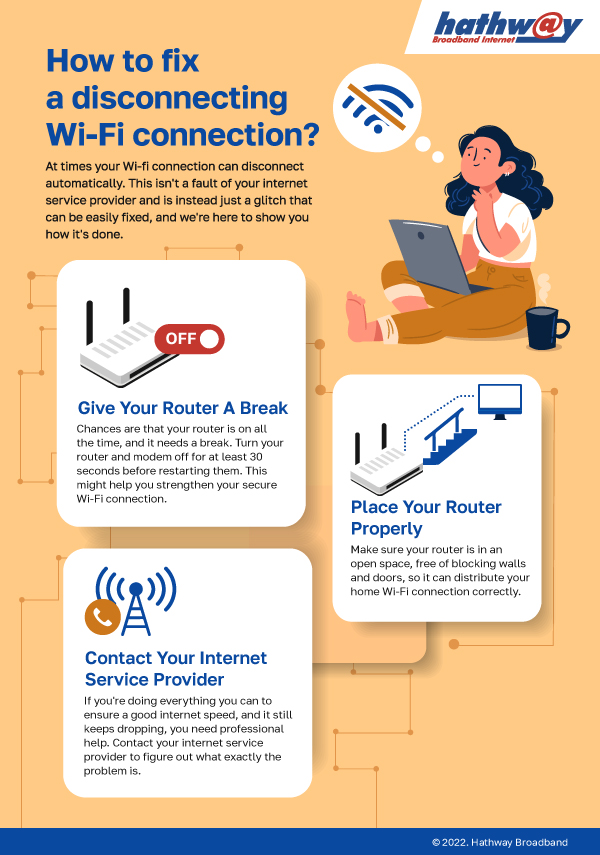
- How to fix internet connection issues at home
- DIY troubleshooting for Wi-Fi disconnections
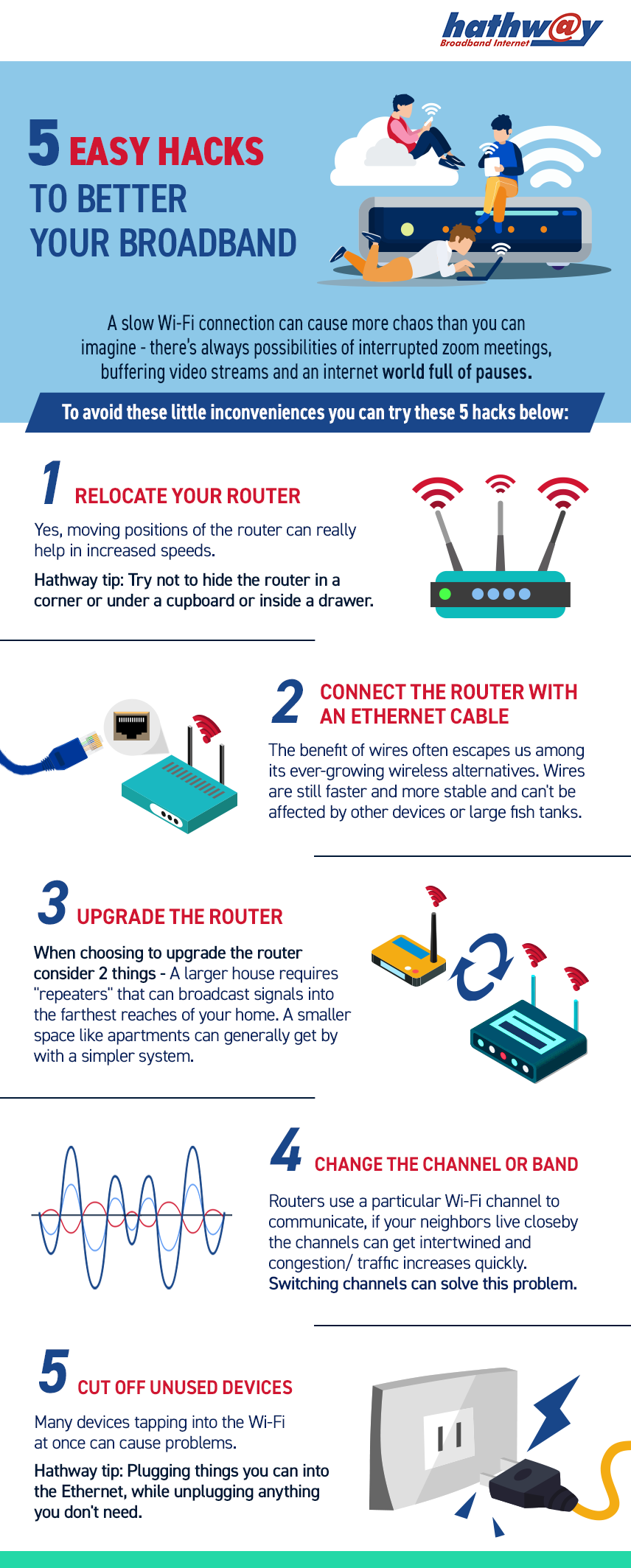
- Router placement tips for better coverage
- When to upgrade your router or plan
Ideal for users looking for internet DIY fixes without calling support.
Internet Safety & Online Security
Stay protected with infographics covering:
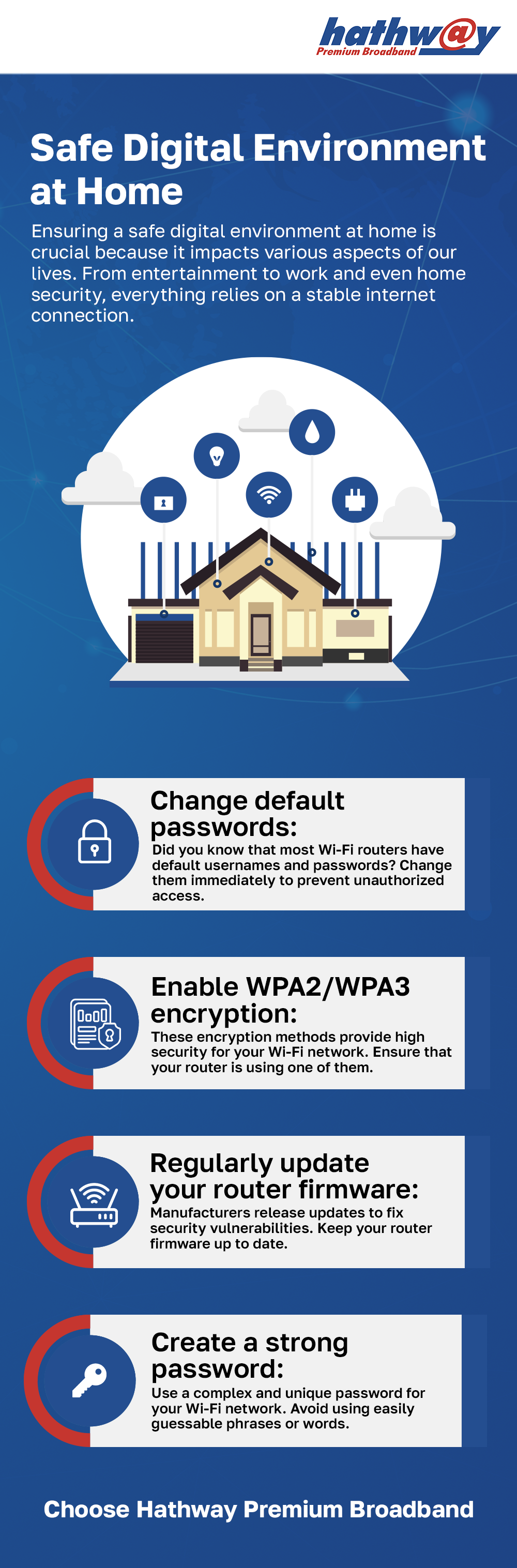
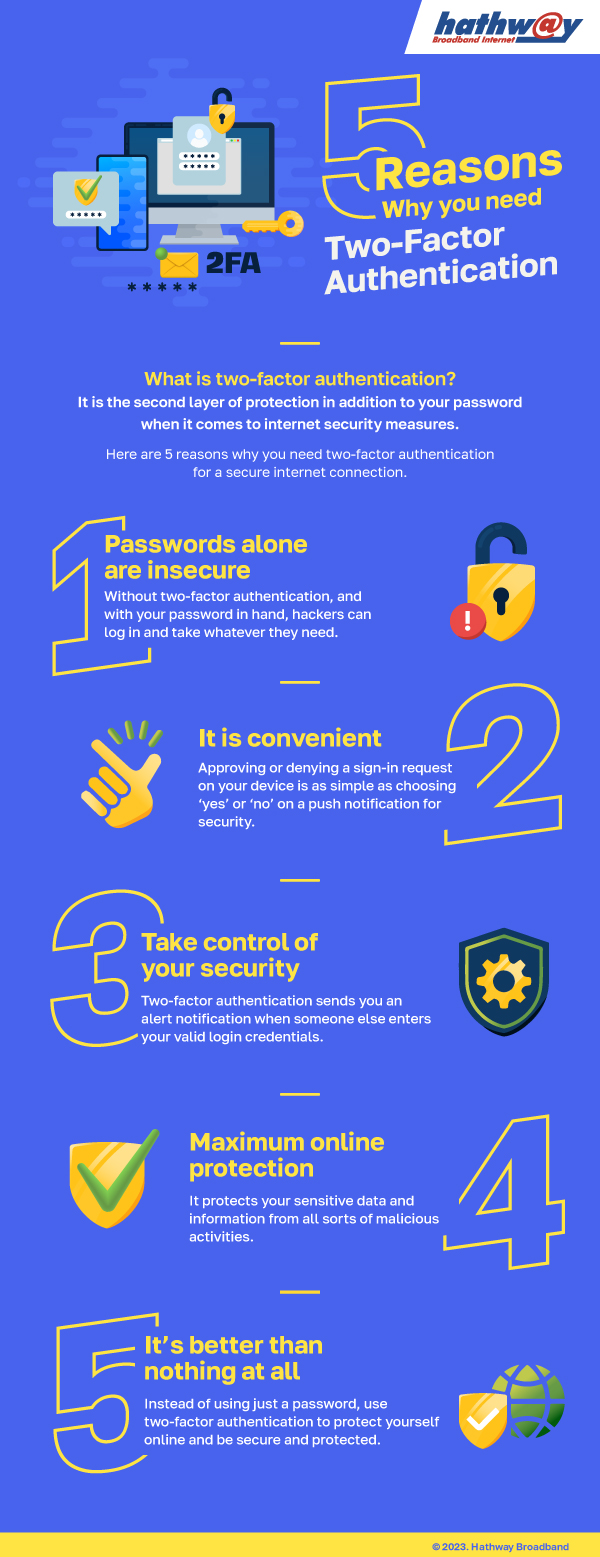
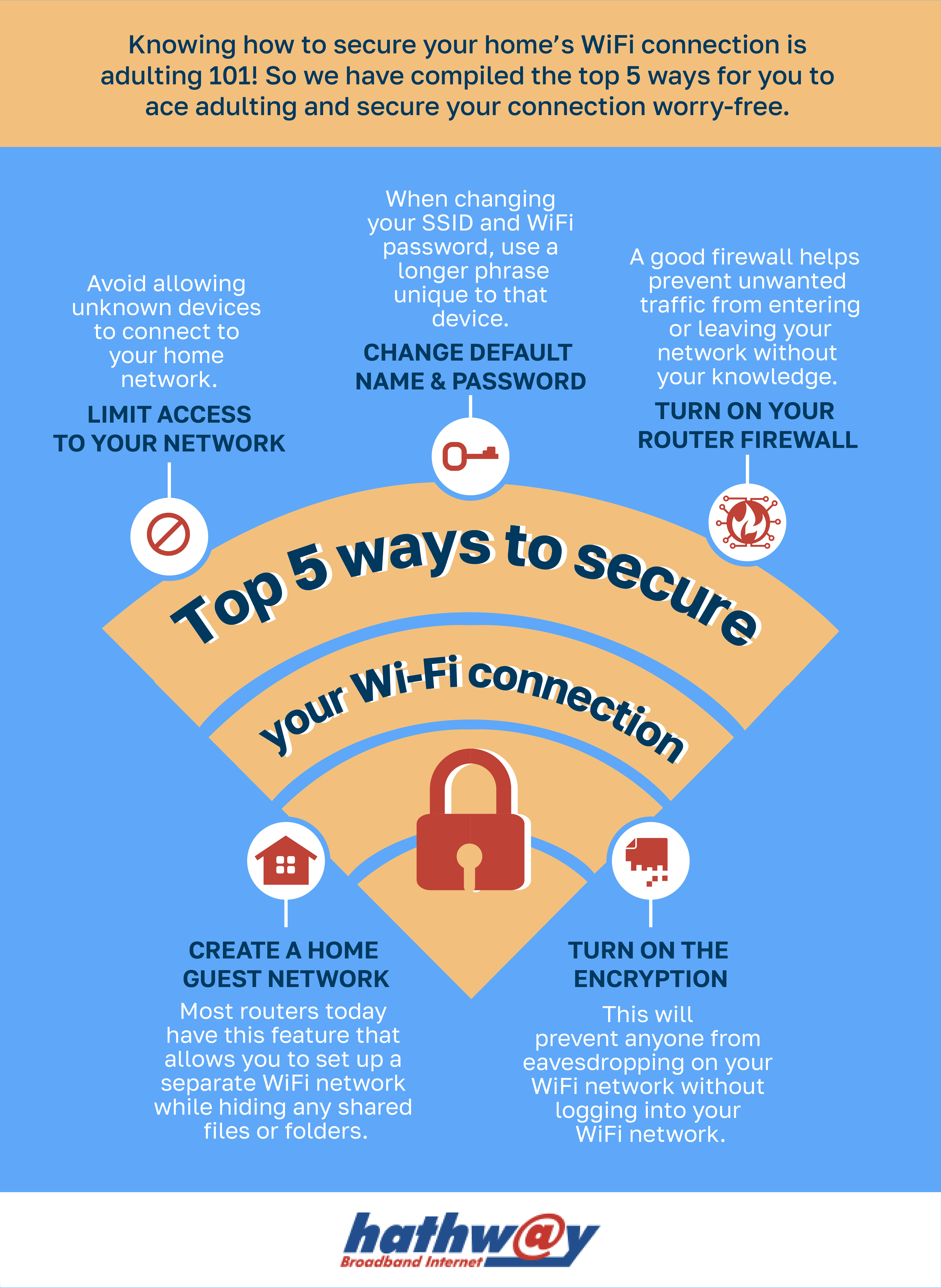
- Internet security basics for home users
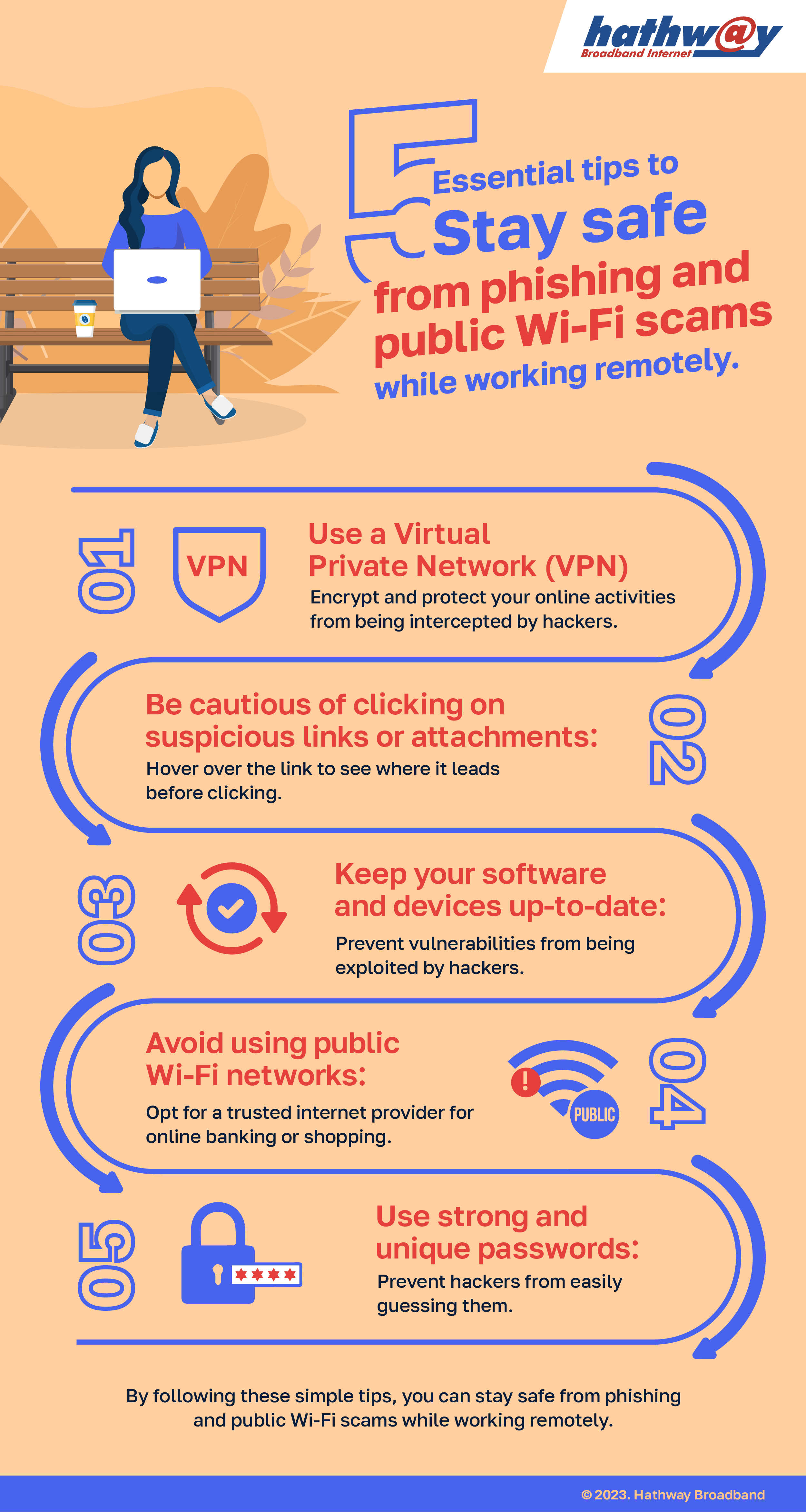
- How phishing scams work and how to avoid them
- Public Wi-Fi risks and safe browsing tips
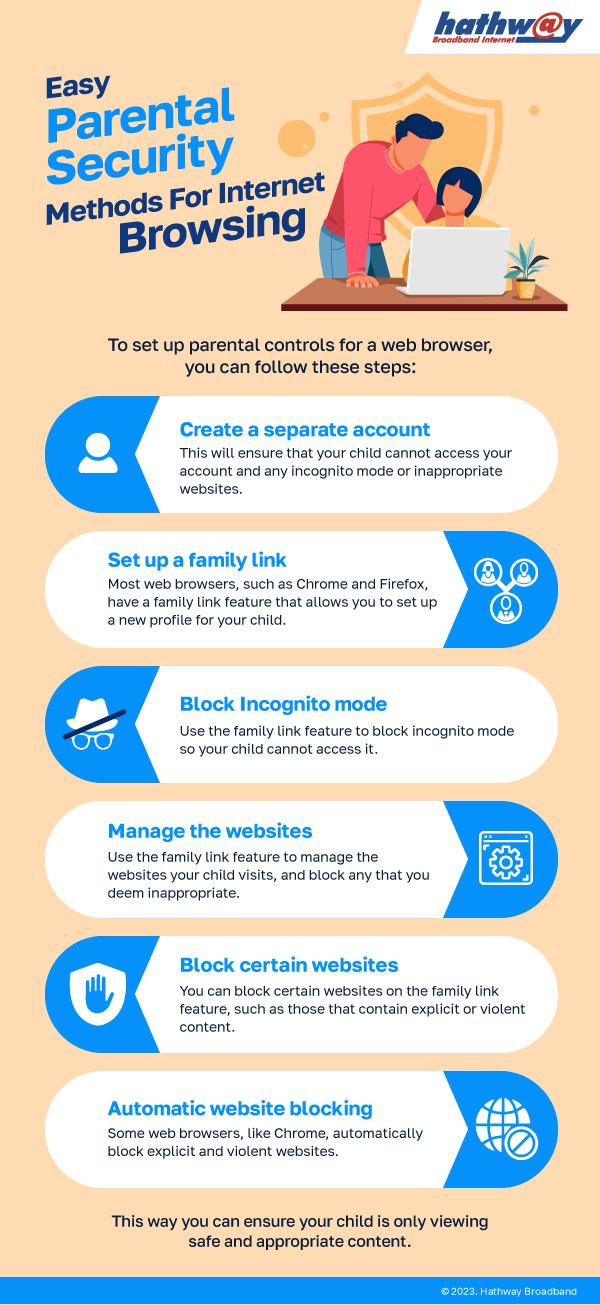
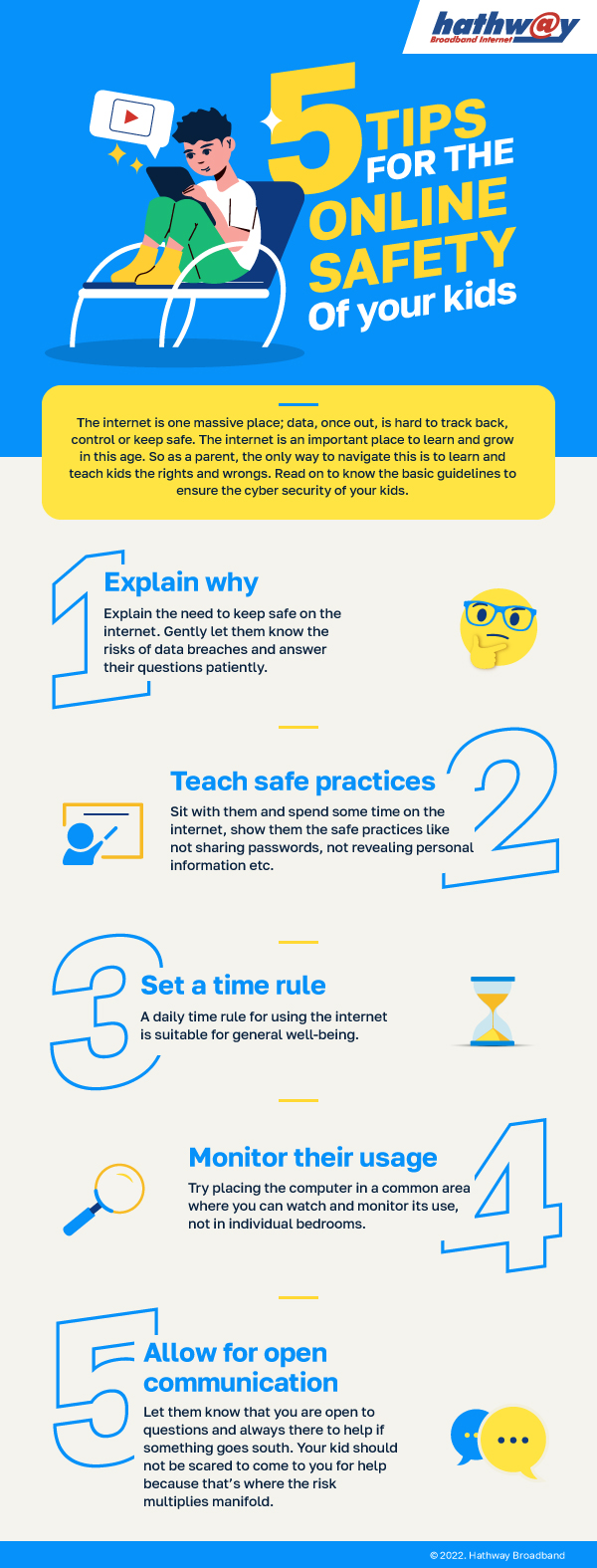
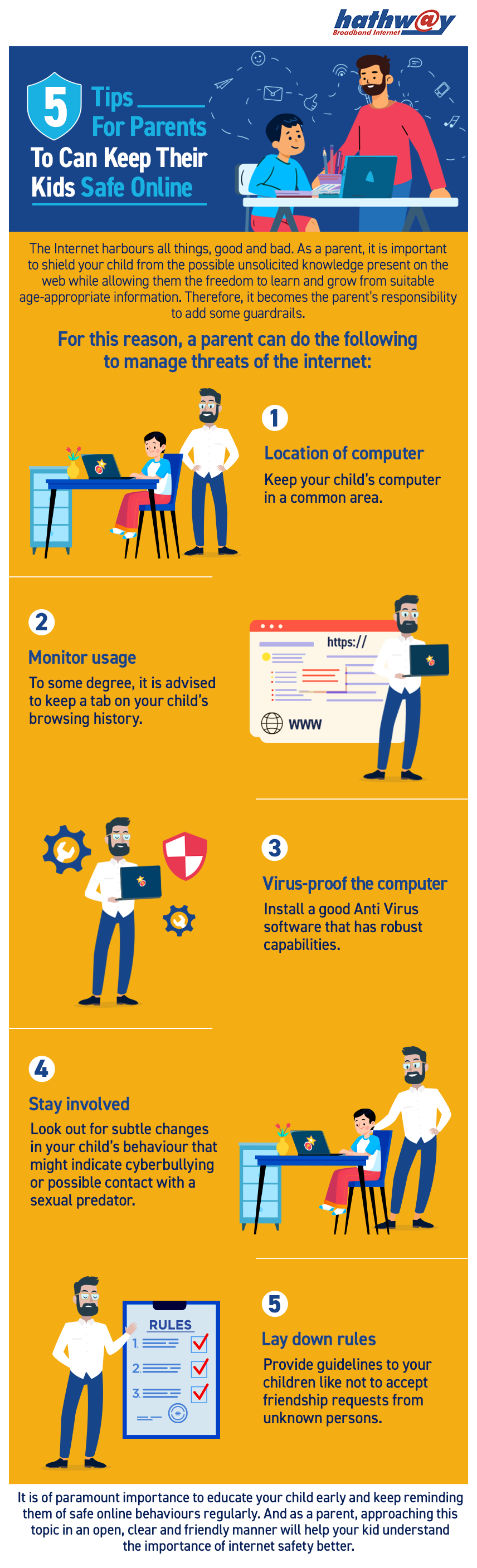
- Parental controls and online safety for kids
These are especially useful for searches like “internet security tips”, “online safety for children”, and “how to stay safe on public Wi-Fi”.
Internet Concepts Made Simple
Visual explainers on:
- What is the Internet of Things (IoT)?
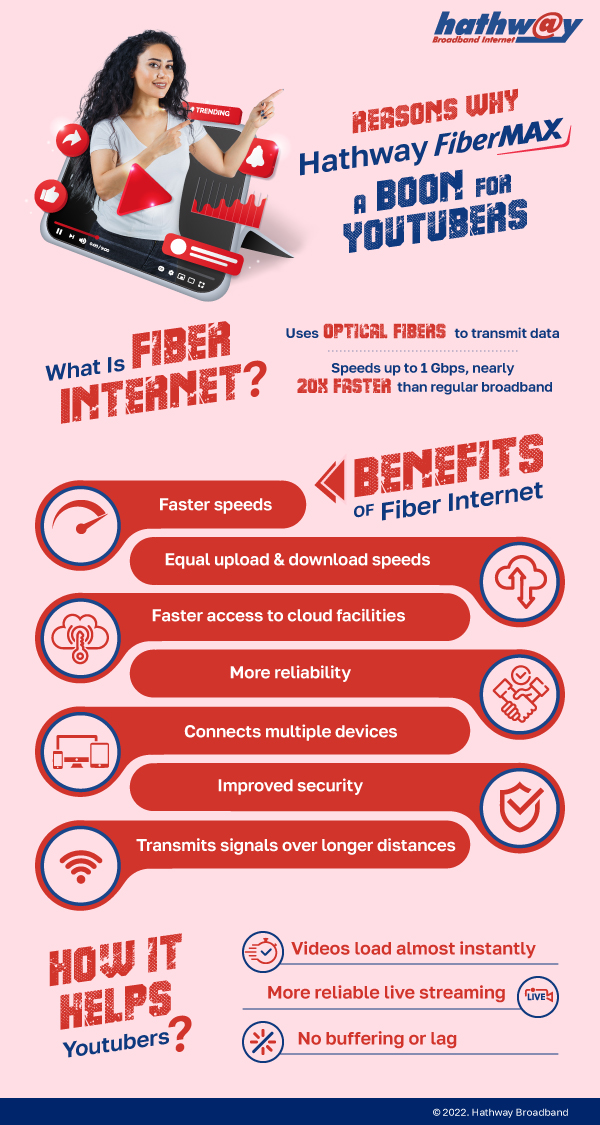
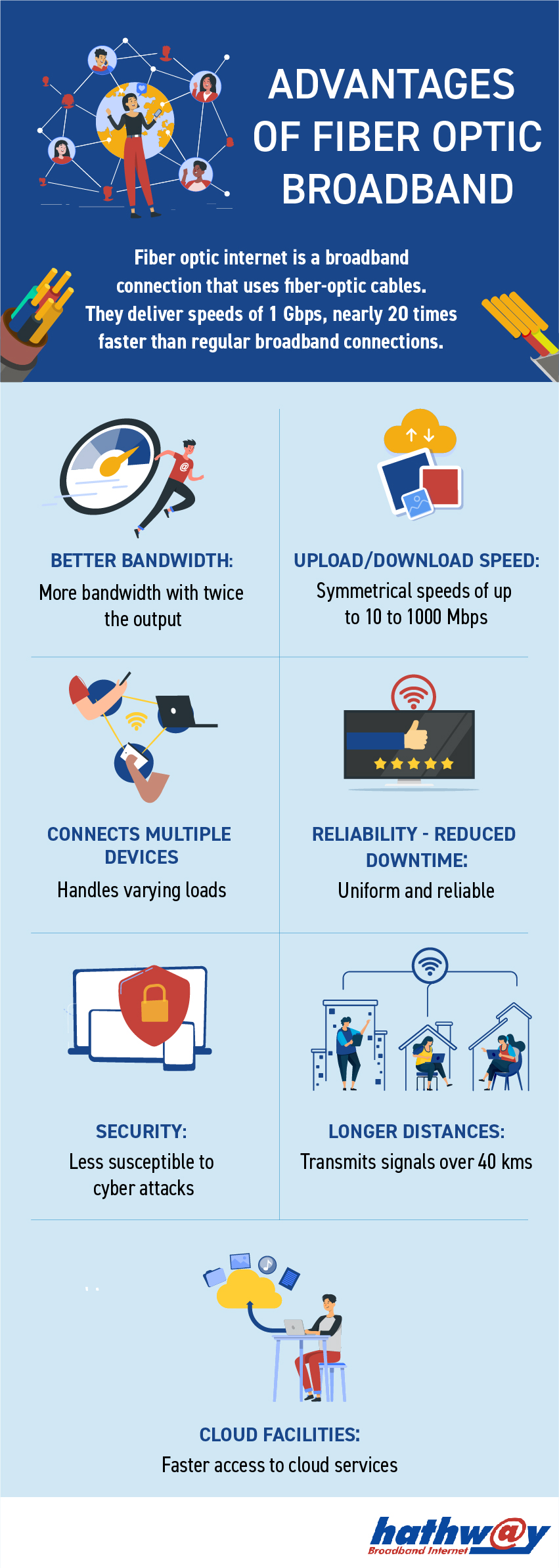
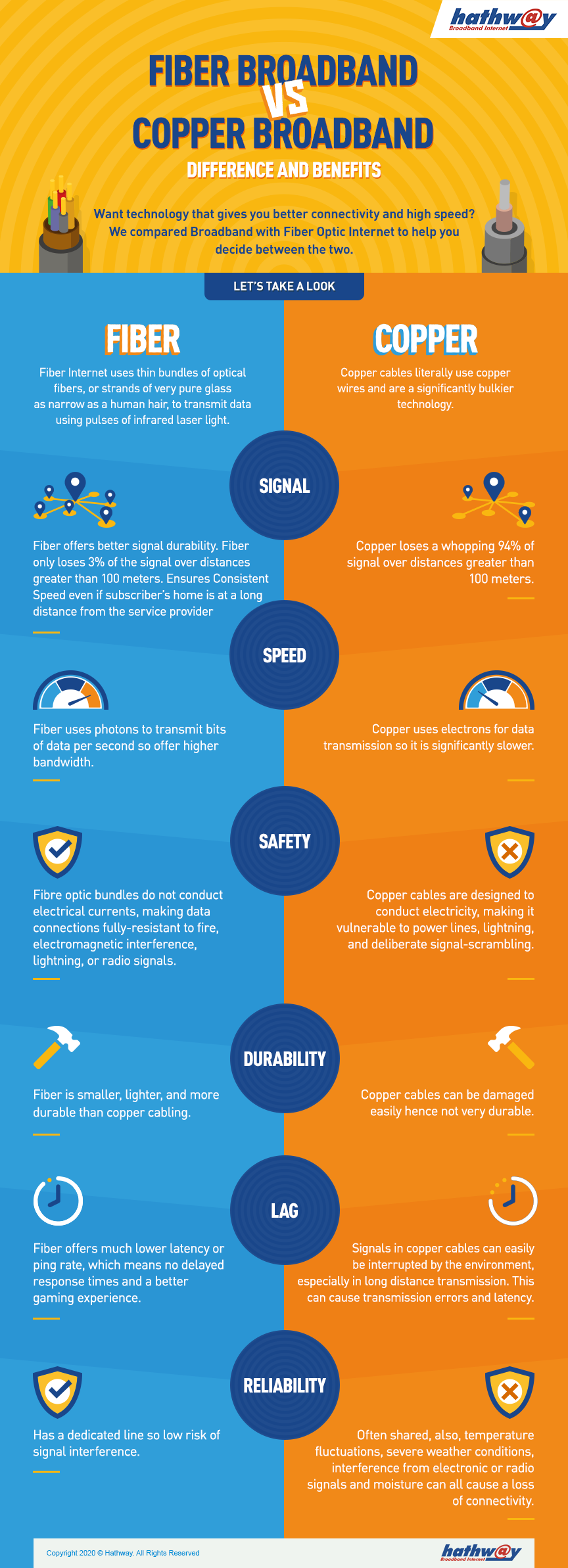
- How fiber broadband works?
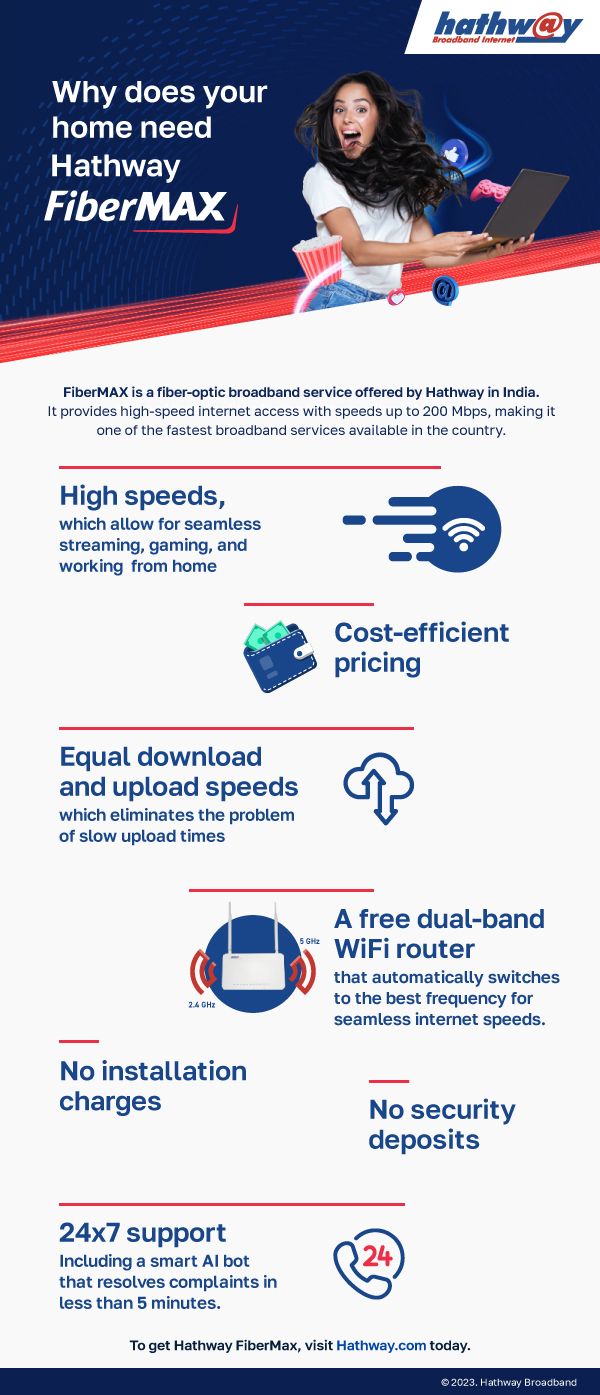
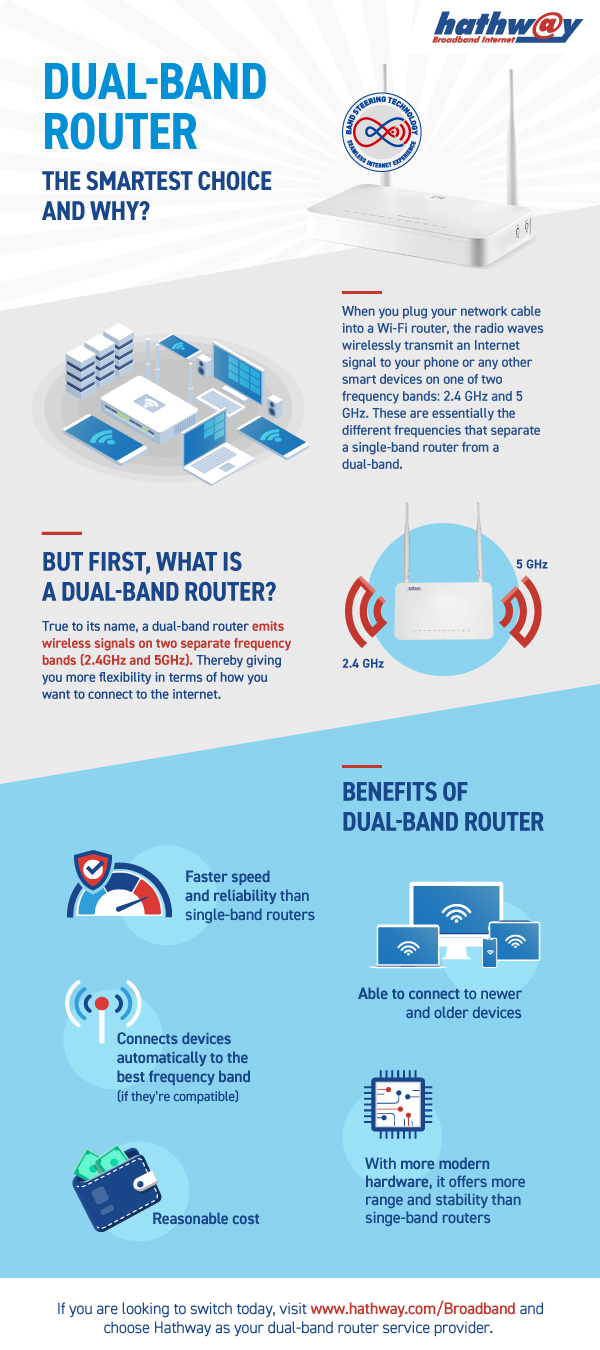
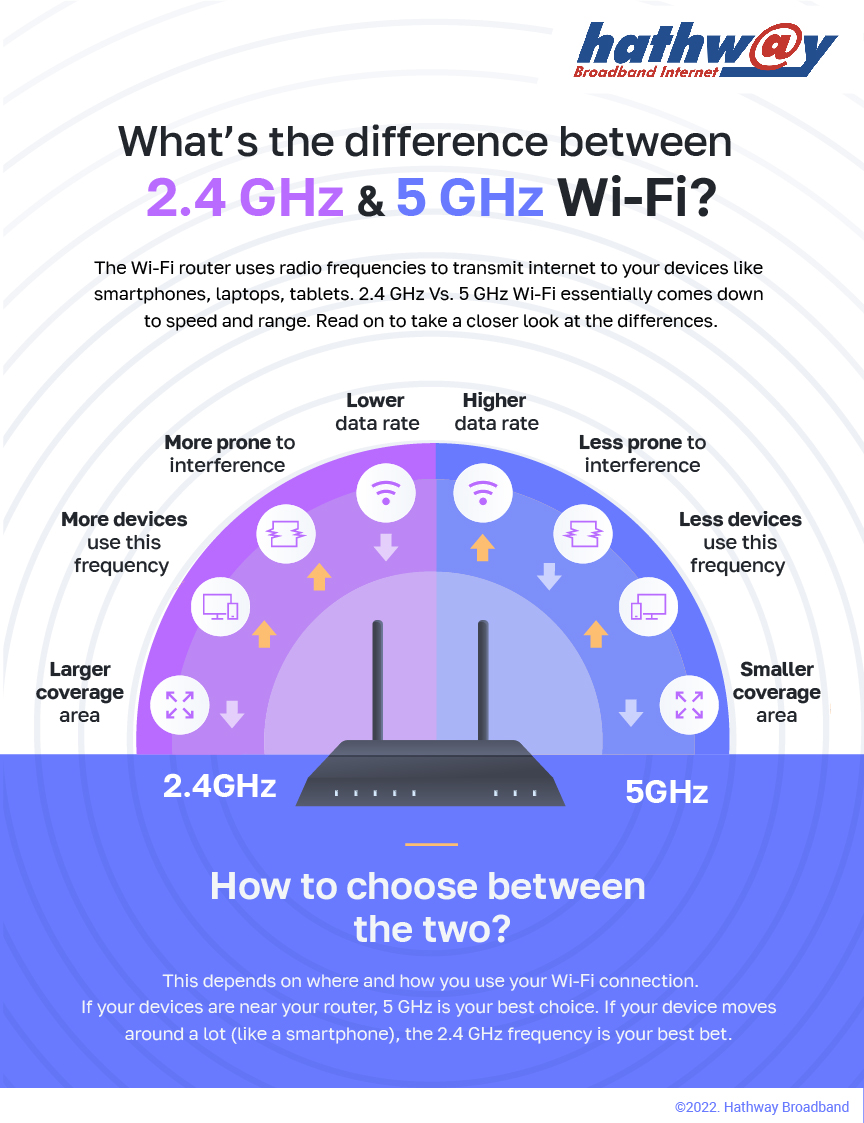
- What is a dual-band router?
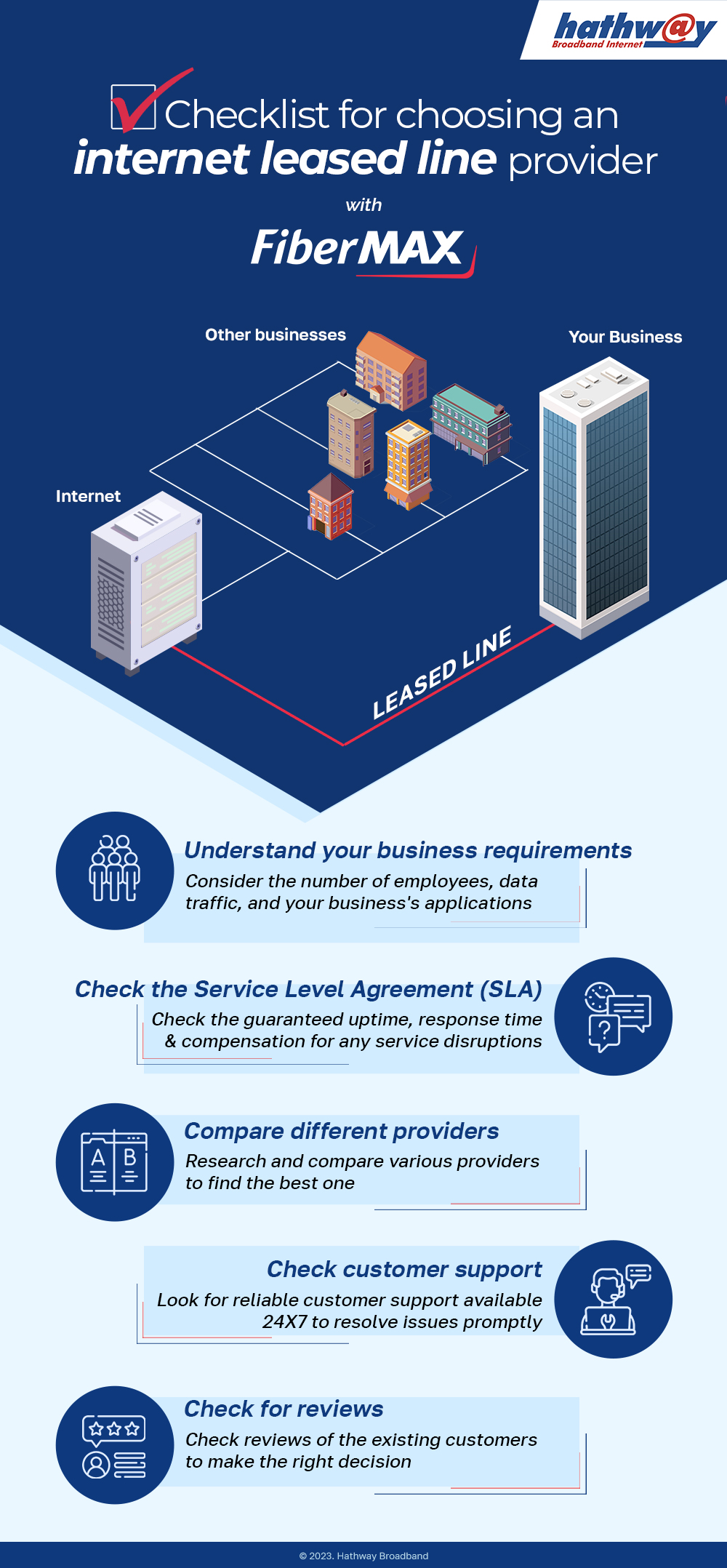
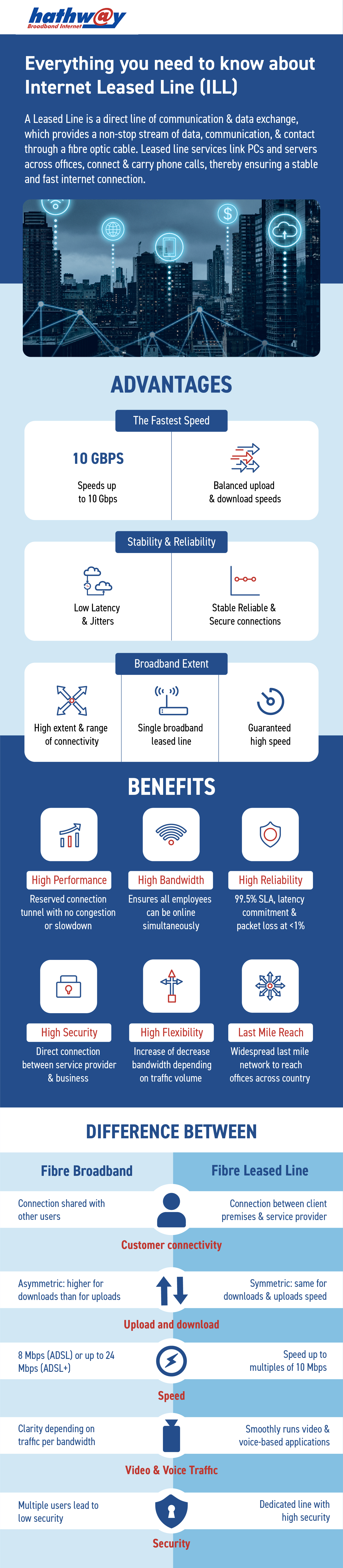
- Internet leased line vs home broadband
Great for users who want clear explanations without technical overload.
Productivity & Smart Internet Use
Discover infographics on:
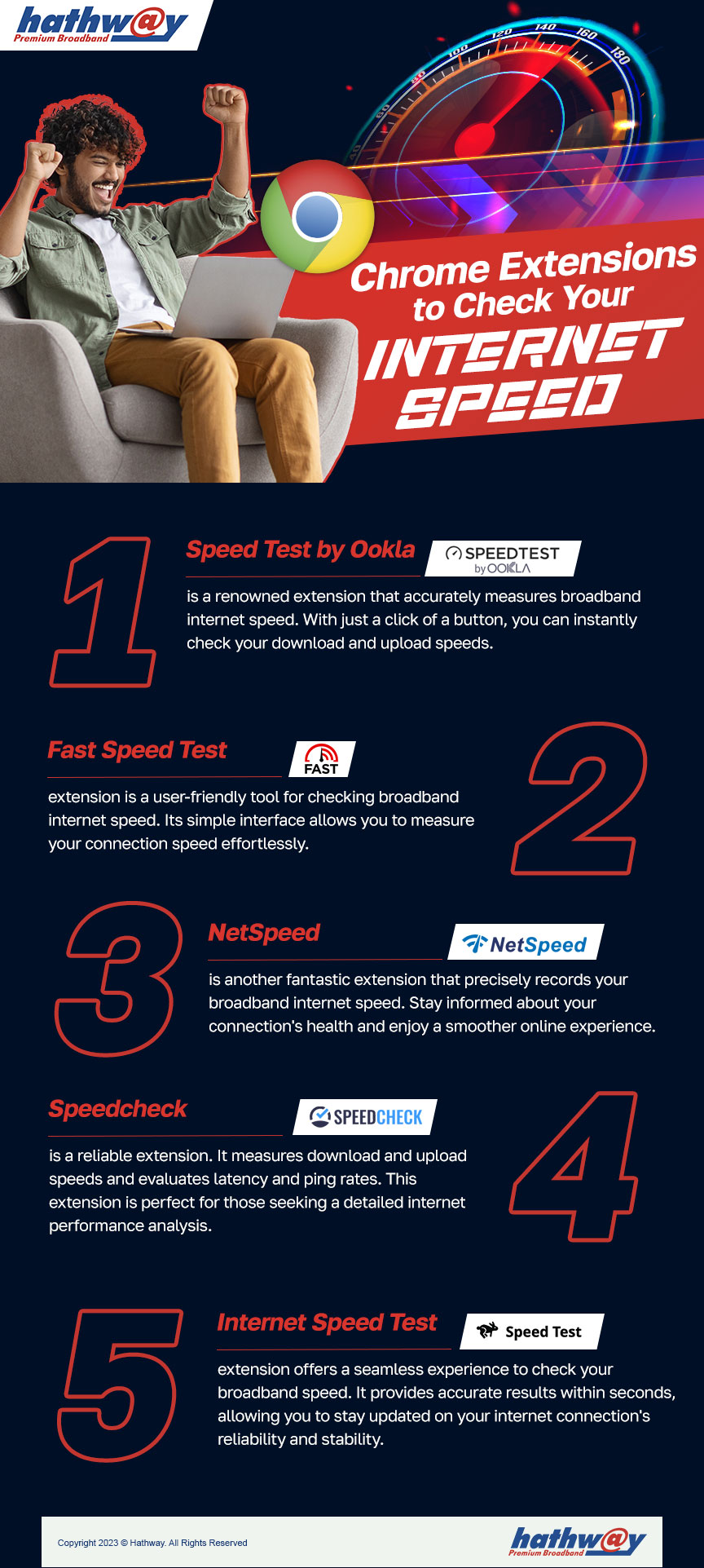
- Best Chrome extensions to boost productivity
- Hidden YouTube features you should know
- Tools to improve online efficiency
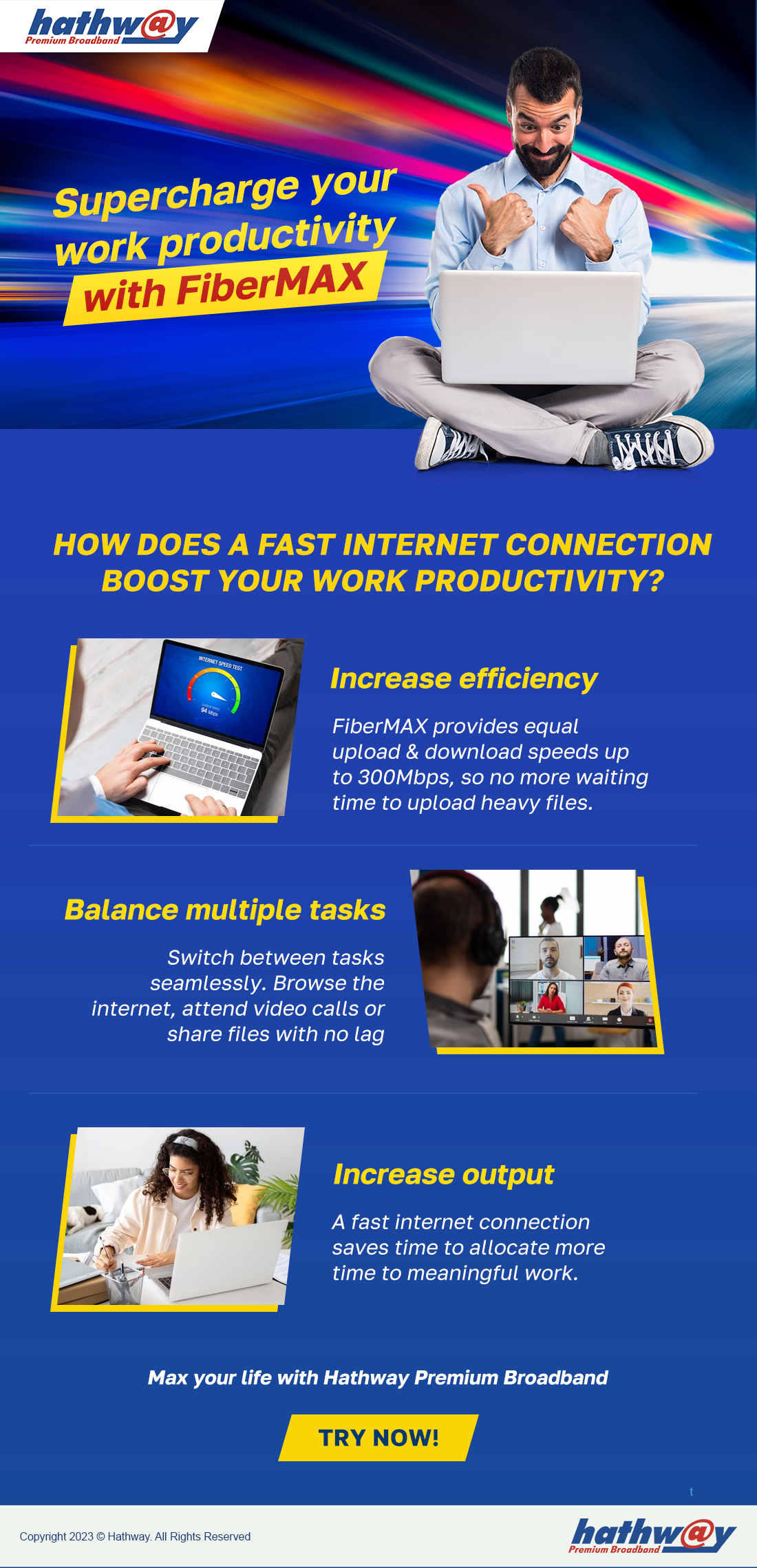
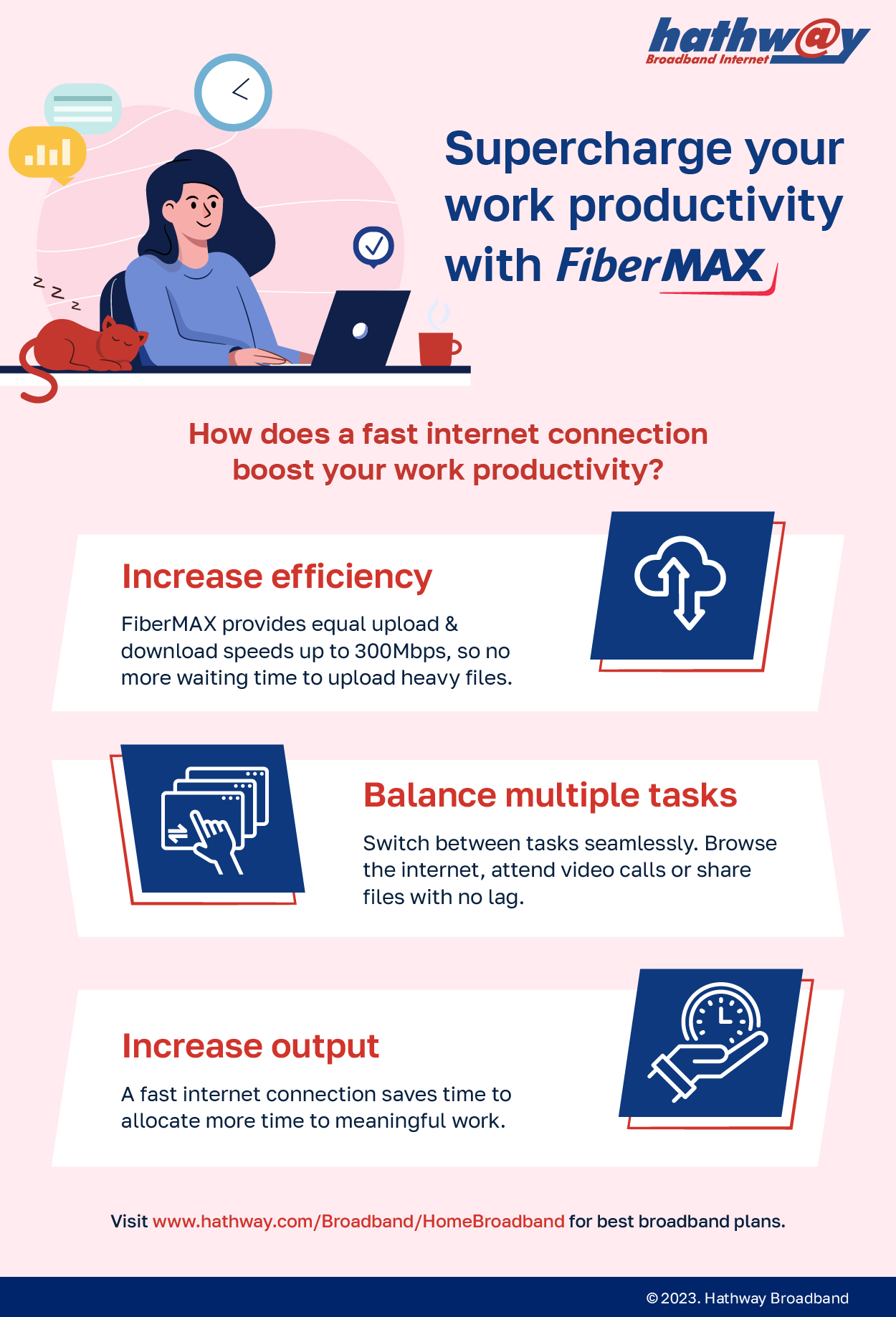
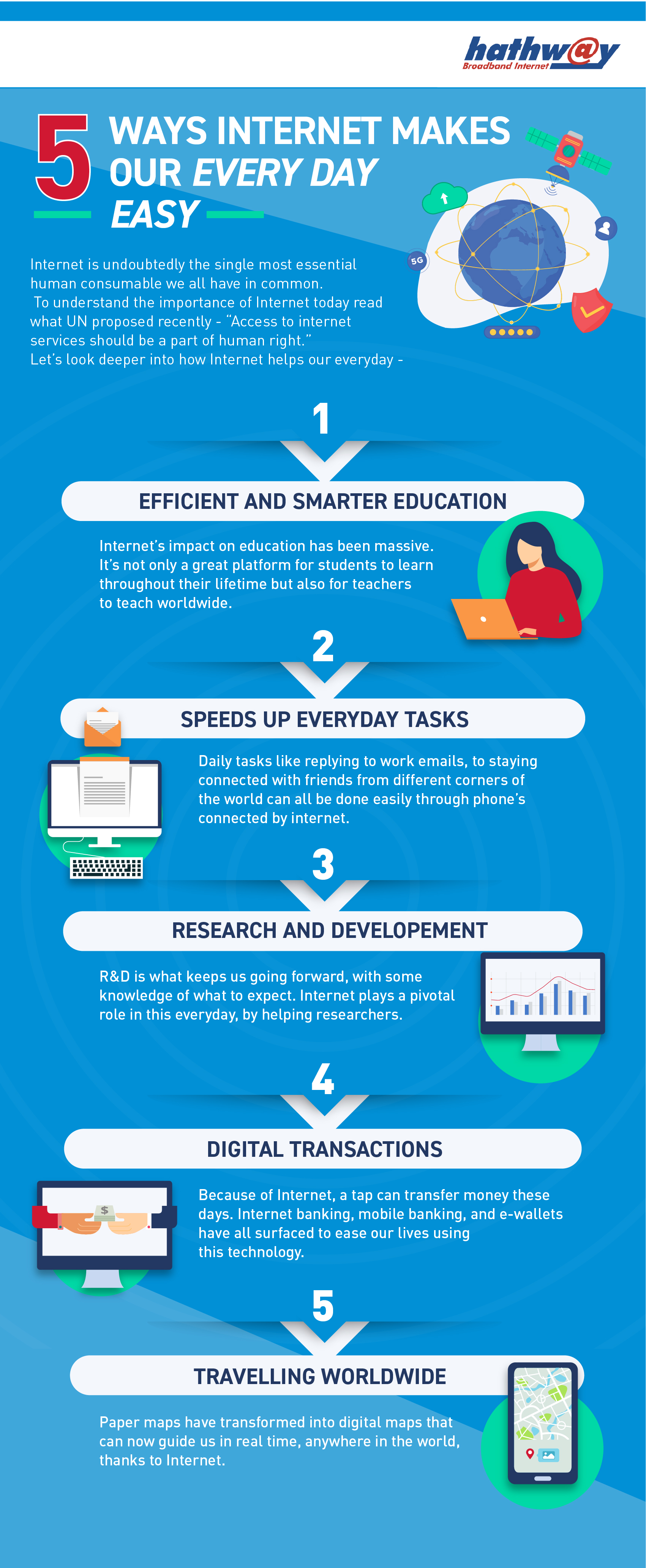
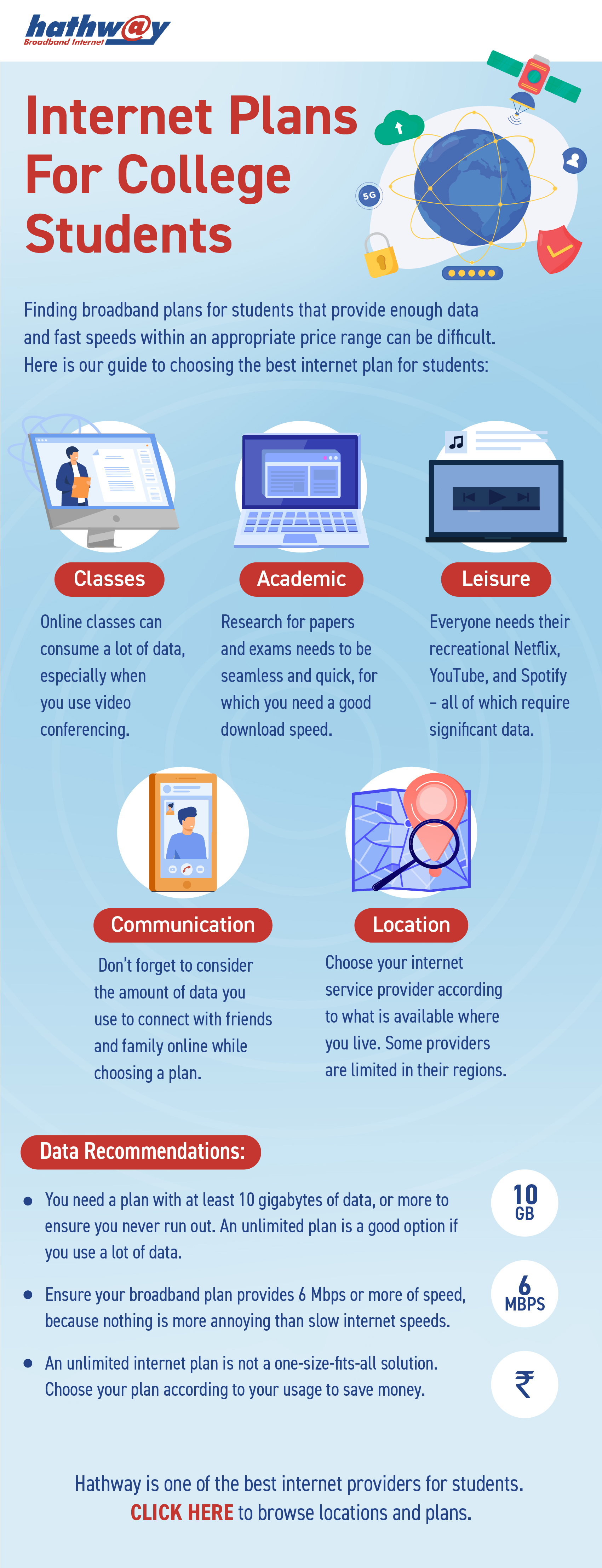
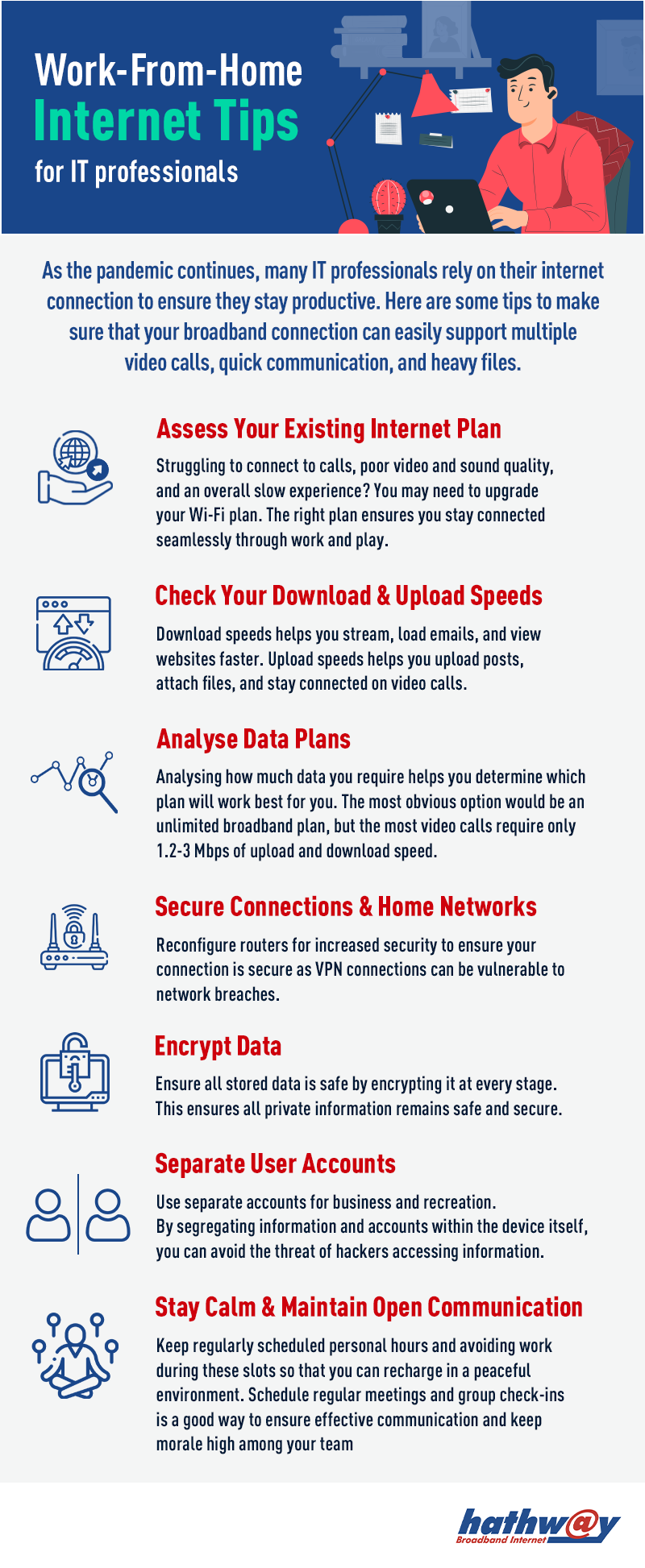
- How high-speed internet supports remote work and learning
Perfect for professionals and students searching for productivity tools, browser extensions, or work-from-home tips.
Download, Save & Share
All infographics are free to view and download. You can:
- Save them for quick reference
- Share with friends, family, or colleagues
- Use them for learning, presentations, or offline reading
No long articles, just clear visuals that explain things instantly.
Why Infographics Work
Infographics make complex broadband and internet topics easier to understand at a glance. They’re ideal if you want quick answers, visual clarity, and practical tips from boosting Wi-Fi speed to understanding online security without scrolling through lengthy blogs.
At Hathway, our goal is simple: help you use the internet better, safer, and smarter.
FAQs
How can I check my internet speed at home?
You can check your internet speed using online speed test tools. Make sure you’re connected to your Wi-Fi network, close background apps, and run the test multiple times for accurate results.
Why is my Wi-Fi slow even with a high-speed plan?
Slow Wi-Fi can be caused by router placement, multiple connected devices, network congestion, outdated hardware, or interference from walls and electronic devices.
How can I improve Wi-Fi speed and coverage at home?
You can improve Wi-Fi performance by placing your router centrally, upgrading to a dual-band router, reducing interference, and limiting background usage on connected devices.
What is the difference between download speed and upload speed?
Download speed affects how fast you receive data (like streaming videos), while upload speed impacts how quickly you send data (like video calls or file uploads).
How can I fix internet connection problems without calling support?
You can restart your router, check cables, reset network settings, and ensure your device software is updated before seeking technical support.
Where should I place my Wi-Fi router for best performance?
Place your router in a central, elevated location away from thick walls, metal objects, and electronic interference for better signal distribution.
What is a dual-band router and why is it important?
A dual-band router operates on two frequencies (2.4 GHz and 5 GHz), helping reduce congestion and improve internet speed for different types of usage.
What is fiber broadband and how does it work?
Fiber broadband uses optical fiber cables to transmit data at high speeds with low latency, making it ideal for streaming, gaming, and work-from-home needs.
How do I choose the right broadband plan for my home usage?
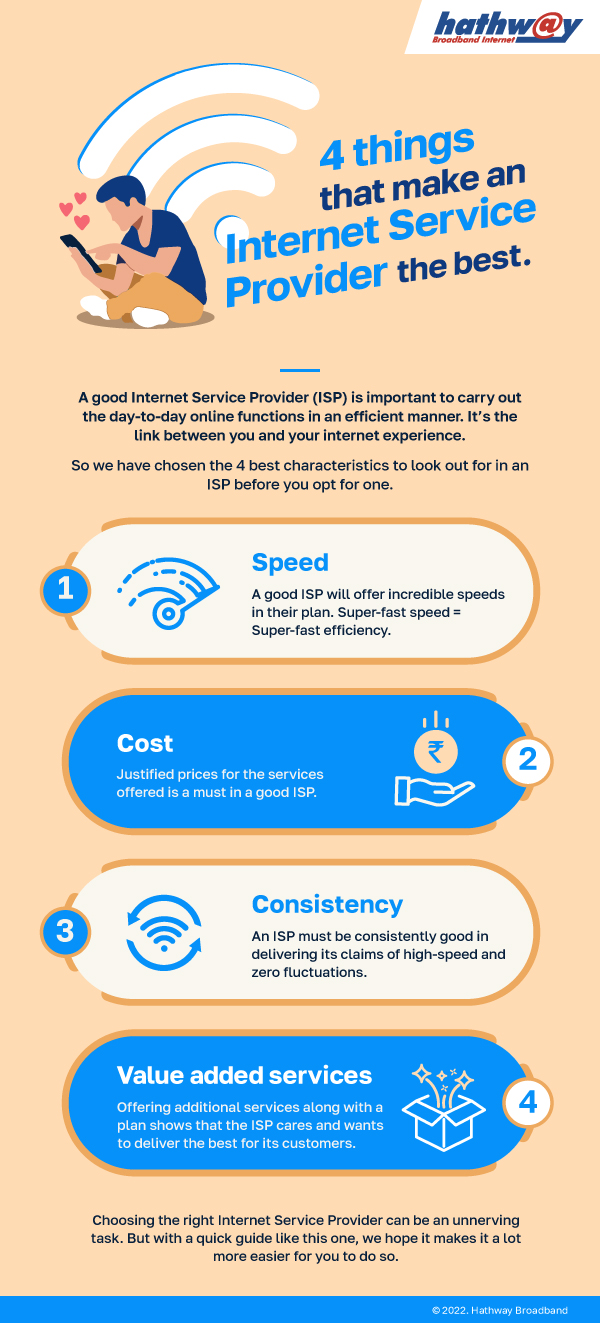
Consider the number of users, devices, and activities like streaming, gaming, or remote work to select a plan that ensures smooth performance.
Go back
![infographic]()
-
Share on:
-

-

-

-

